


Google Review Card: What It Is, How It Works, and Is It Worth It?
For businesses that depend on customer trust, online reviews can play an important role in the buying journey. Before visiting a restaurant, booking a service, choosing a hotel, or contacting a local business, many customers check its Google Business Profile and read what previous customers have said.
The challenge is not always delivering a good customer experience. Often, the challenge is making it simple for satisfied customers to leave feedback.
This is where a Google review card can be useful. It creates a physical touchpoint that connects an in-person customer experience with a digital review page. Instead of expecting customers to remember the business name, search for it on Google, open the profile and find the review option, a review card can provide a much more direct route.
But what exactly is a Google review card, how does it work, and is it actually worth investing in? Let's explore.
What Is a Google Review Card?
A Google review card is a physical card or display product designed to make it easier for customers to access a business's Google review page.
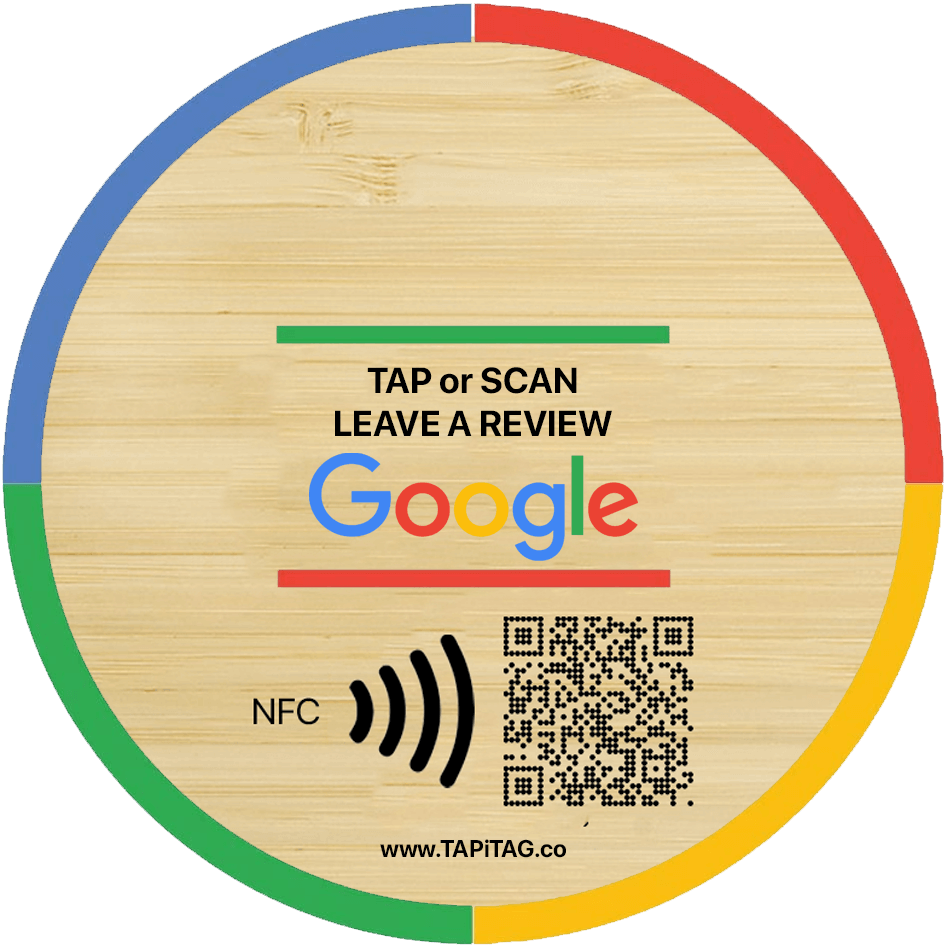
Depending on the product, it may use NFC technology, a QR code, or both. An NFC-enabled card allows a customer with a compatible smartphone to tap the card and open the designated review destination. A QR-enabled card gives customers another option: they can scan the code with their phone camera.
Google itself allows businesses to create and share a direct review link or QR code for requesting reviews. Google recommends using these links or QR codes in places such as receipts, thank-you messages, chats and physical locations.
A review card essentially turns that digital review destination into a convenient physical touchpoint.
For a business, this can be particularly useful when customers are already standing at a checkout counter, leaving a restaurant, finishing an appointment, collecting an order or completing a service.
How Does a Google Review Card Work?
The process is relatively straightforward.
1. The business creates its Google review link
The business first needs access to its Google Business Profile and its review request link. Google provides a built-in way to generate a link or QR code for requesting reviews.
2. The review destination is connected to the card
The review link can then be associated with the card's NFC technology and/or QR code.
This means the physical card is not itself collecting or storing reviews. It is simply providing a convenient route to the business's Google review destination.
3. The customer taps or scans
After a positive interaction, the business can invite the customer to leave honest feedback.
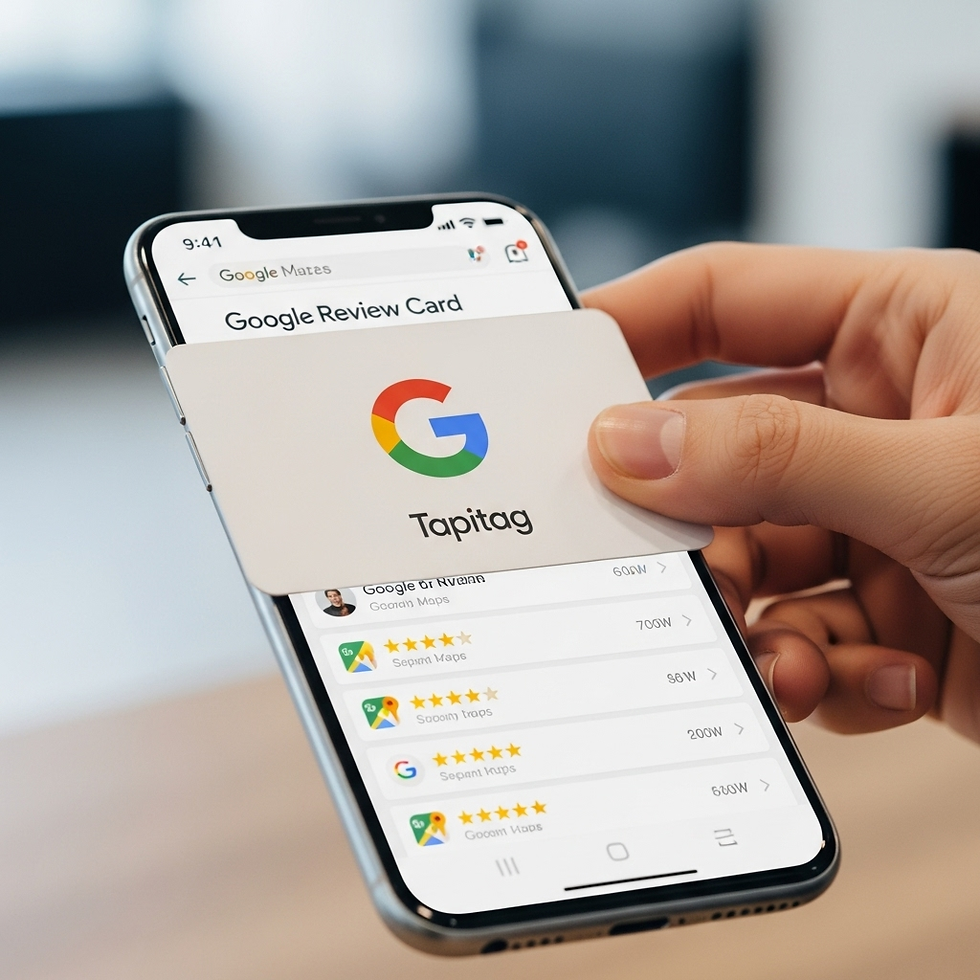
With an NFC-enabled card, the customer can tap their compatible smartphone against the card. If the product also has a QR code, the customer can scan it instead.
4. The customer reaches the review page
The customer is taken to the relevant Google review destination, where they can choose whether to leave feedback.
This distinction is important: a review card makes the process easier, but it does not manufacture reviews. The customer still decides whether and what to write.
Google states that reviews must reflect genuine experiences and prohibits businesses from offering incentives in exchange for reviews.
Why Do Businesses Use Google Review Cards?
The main advantage is convenience.
Imagine a customer has just finished a successful appointment with a salon. The customer is happy, but once they leave, they may become distracted and forget about a review request.
The same thing can happen after a restaurant meal, hotel stay, repair service, consultation or retail purchase.
A review card puts the opportunity to provide feedback directly into the customer journey.
Instead of saying:
“Please search for us on Google and leave a review.”
a business can provide a simple physical prompt that helps the customer reach the correct destination.
This reduces unnecessary steps between customer satisfaction and customer feedback.
NFC vs QR Code: How Do Review Cards Connect Customers?
There are two common technologies used in modern review cards.
NFC
NFC, or Near Field Communication, allows compatible smartphones to interact with a nearby NFC tag.
The customer generally taps their phone against the NFC-enabled product, and the configured destination can open on the device.
The biggest benefit is the convenience of a tap-based interaction.
QR Code
A QR code provides a visual alternative.
Customers can open their smartphone camera or QR scanner and scan the code to access the review destination.
QR codes are familiar to most smartphone users and can be useful when a customer does not want to use NFC.
Why offer both?
A card that combines NFC and QR functionality can give customers a choice.
Some customers will prefer tapping. Others may naturally reach for their phone camera and scan.
For businesses, providing both options can create a more flexible customer experience.
Where Can You Use a Google Review Card?
One of the biggest advantages of a physical review card is that it can be placed where customer interactions naturally happen.
Some practical locations include:
Retail checkout counters
Auto repair shops
Clinics and professional practices
Cleaning and home-service businesses
Offices
Event venues
Service desks
Reception areas
The best location is usually somewhere the customer has already experienced the product or service.
For example, a restaurant could place a review card near the payment area. A hotel could use one at reception or during checkout. A salon could position one at the reception desk after an appointment.
Google specifically recommends physical placement of review QR codes in businesses as one way to make review requests easier.
When Should You Ask for a Google Review?
Timing matters.
A review request is generally more natural when it follows a completed interaction.
Examples include:
After a purchase:“Thank you for shopping with us. We'd love to hear about your experience.”
After a meal:“Enjoyed your meal? Please share your honest feedback with us.”
After a service:“Thank you for choosing us. Your feedback is appreciated.”
After an appointment:“We hope you enjoyed your experience. If you have a moment, we'd appreciate your honest review.”
The objective should be to make the request clear without pressuring the customer.
Businesses should also avoid attempting to manipulate the content of reviews. The goal should be genuine customer feedback rather than simply collecting positive ratings.
Are Google Review Cards Worth It?
Whether a Google review card is worth the investment depends on the business.
For a business with frequent face-to-face customer interactions, the answer can be yes.
Consider a business that serves hundreds of customers every month. Even if only a portion of customers choose to provide feedback, having a simple review touchpoint available can make the process easier.
A review card can be particularly valuable when:
You have regular in-person customers.
Staff frequently interact directly with customers.
Customers are satisfied immediately after receiving your service.
You want a physical reminder at the point of interaction.
You want NFC and/or QR access to your review destination.
You want a reusable review-request tool rather than repeatedly printing materials.
However, a review card is not a replacement for good service.
If customers are unhappy with the experience, making the review button easier to find will not solve the underlying problem. The strongest approach is to combine excellent customer service with a convenient and ethical feedback process.
Google Review Card vs Simply Asking Customers
Businesses can request reviews without purchasing a physical card. Google provides businesses with a review link and QR code that can be shared digitally or displayed physically.
So why use a dedicated card?
The difference is primarily visibility and convenience.
A digital message can be overlooked in an inbox. A physical card can remain visible at the checkout counter, reception desk or service area.
A dedicated card can also provide a consistent experience for staff. Instead of remembering a long URL or repeatedly explaining where to find the business profile, employees can point customers toward the designated review touchpoint.
For businesses that have regular in-person interactions, that physical presence can make the review request feel more integrated into the customer journey.
What Should You Look for in a Google Review Card?
Not every review card is necessarily the same. Before choosing one, consider the following:
NFC compatibility
If you want tap-based interactions, check that the product uses NFC technology and works with the smartphones your customers are likely to use.
QR code availability
A QR code provides an alternative access method and can be useful for customers who prefer scanning.
Design
A professional-looking card should fit naturally into your business environment.
Durability
If the card will sit at a busy checkout or reception area, choose a product designed for repeated use.
Customisation
Branding, colours and messaging can help the review touchpoint feel like part of your business rather than a generic accessory.
Ease of use
The customer should understand what to do without needing lengthy instructions.
Flexibility
A solution that supports different digital destinations can be useful if your customer engagement needs change over time.
Why TAPiTAG Is an Option Worth Considering
TAPiTAG offers NFC review products designed to create a simple physical connection between customers and online review destinations. Its Google review collection range is specifically positioned around making it easier for businesses to request customer feedback through NFC and QR-based experiences.
For a business considering a Google review card, the important question is not simply whether the product looks good. It is whether the complete experience is practical for customers and staff.
A useful setup should make the process easy:
Customer interaction → Review request → Tap or scan → Google review page
The fewer unnecessary steps involved, the more natural the process can become.
Businesses comparing different options can also look at factors such as design, NFC functionality, QR availability, customisation, durability and overall value. For a detailed comparison of TAPiTAG with other review-tag options, see Google Review Tag: TAPiTAG vs Other Competitors – Which One Is Best for Growing Your Business Reviews?.
Google Review Cards Don't Replace Customer Experience
It is easy to focus on the technology and forget the most important part: the customer.
A card cannot turn a poor experience into a great one.
What it can do is remove some of the friction that exists between a positive customer interaction and the decision to leave feedback.
Think about the journey:
Good experience → Customer wants to provide feedback → Customer knows where to go → Customer can access the review page easily
A review card primarily helps with the middle part of that journey.
That is why businesses should treat review cards as a customer-experience tool, rather than a shortcut to generating reviews.
How to Use a Google Review Card Responsibly
A good review strategy should always focus on genuine feedback.
Google's guidelines state that reviews should represent real customer experiences, and businesses must not offer discounts, free products or other incentives in exchange for reviews.
Businesses should therefore:
Ask customers for honest feedback.
Avoid buying or fabricating reviews.
Avoid offering rewards specifically for reviews.
Avoid asking customers to change or remove genuine negative feedback.
Give customers a convenient way to access the review page.
Respond professionally to feedback.
Google also recommends replying to reviews because responses can show customers that their feedback matters.
Final Verdict: Is a Google Review Card Worth It?
For businesses that regularly interact with customers face-to-face, a Google review card can be a practical investment.
Its value comes from simplicity. Customers don't have to remember the business name, search for it later and navigate through multiple pages. A tap or scan can provide a direct route to the review destination.
However, the card itself is only one part of the strategy.
The best results come from combining:
Great customer experiences + timely review requests + convenient access + genuine feedback + professional responses.
If your business already has satisfied customers but finds that very few take the extra step to leave feedback, a physical review touchpoint may be worth testing.
A Google review card won't create genuine customer satisfaction—but it can make it easier for satisfied customers to share their experience.
And in a world where customers increasingly research businesses online before making decisions, making that feedback process simple can be a valuable part of your wider reputation strategy.


Comments